You can ask our AI agent questions about Exivity Core. Give it a try by clicking Ask AI in the navigation bar at the top of the page.
Introduction
Exivity Core is a metering, mediation, rating and billing engine. It collects usage from cloud and private infrastructure, including virtualisation, storage, network, licences and AI tokens, mediates it into billable records, applies your contract terms, and prepares invoice-ready charges and reports for your billing workflow. It also supports internal showback and chargeback, and runs self-hosted, including air-gapped, or in the cloud.
This documentation covers Exivity Core: how to deploy it, how to build data pipelines, and how to configure services, rates and reports.
Exivity builds two products. Exivity Core, documented here, meters, rates and bills consumption. Hypermeter, built by Exivity, is a SaaS platform for cross-source cost allocation, FinOps analysis and unit economics. Use either on its own, or connect them where your data policy allows. See how they work together on exivity.com.
Exivity Core extracts IT consumption data from your data sources and maps it to meaningful customer-specific information such as services, customer IDs, names, and contracts. There are four main steps involved in a successful deployment:
- Extract
- Transform
- Report
- Integrate (optional)
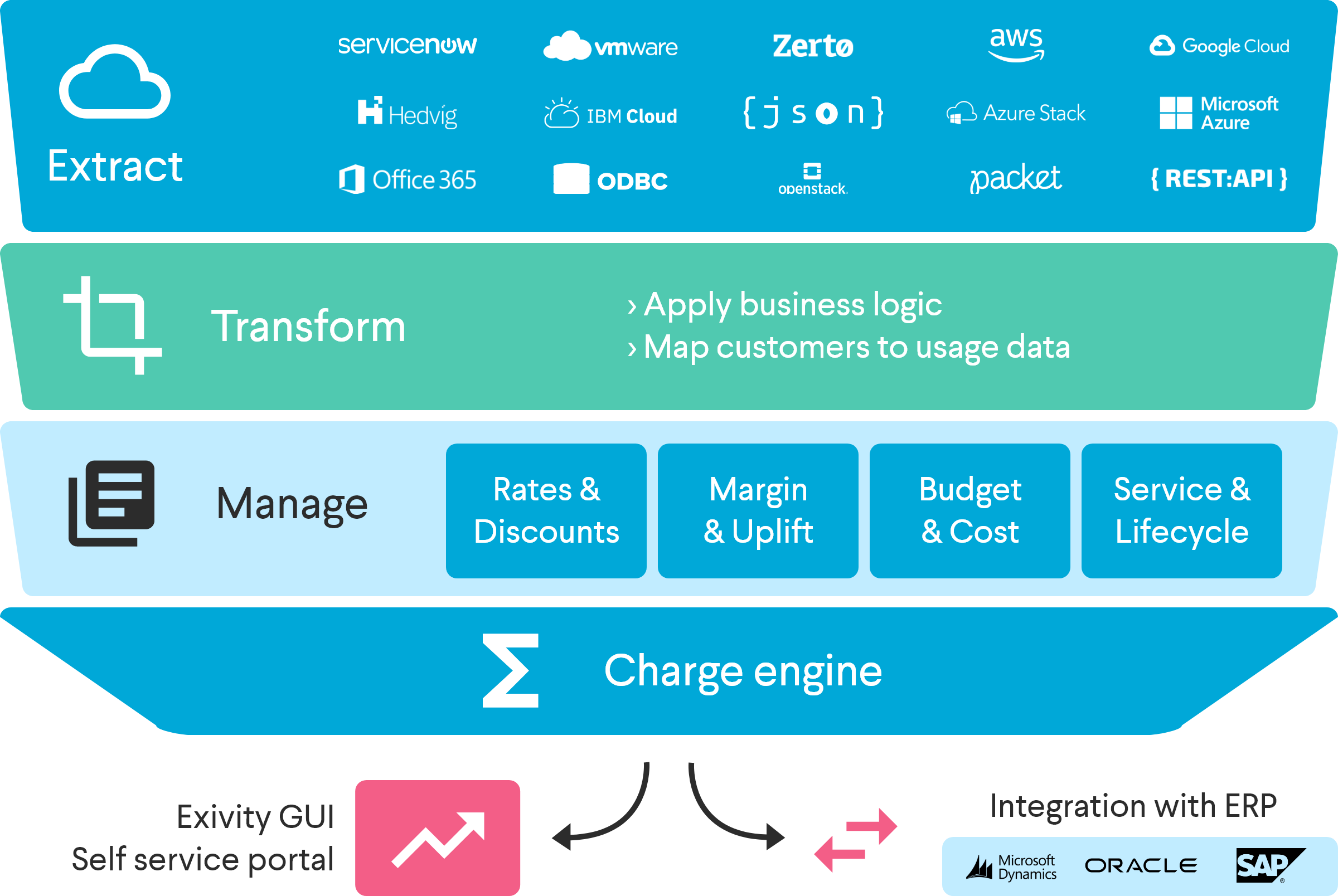
Extract
The Extract step defines your data sources such as:
- APIs that return usage data, service catalogue, rate card, customer/subscriber lists, and similarly available records from public or private clouds
- APIs or ODBC queries that return contracts, customer names, IDs, and other contextual lookup data from CMDB / CRM systems
- Flat files on disk in CSV, JSON, or XML format
- Other HTTP/S sources
Exivity Core provides a rich scripting interface via its Unified Scriptable Extractor (USE) component which facilitates integration with almost any data source. For most of the big cloud platforms, we provide template extractor scripts as part of the product. Additionally, you can also write your own USE scripts from scratch in order to integrate with custom data sources.
Transform
The Transform step provides a powerful ETL framework for processing extracted data. Using it you can merge consumption metrics, contract details, customer information, custom metadata, service definitions or any other imported information to produce an enriched and/or normalised result.
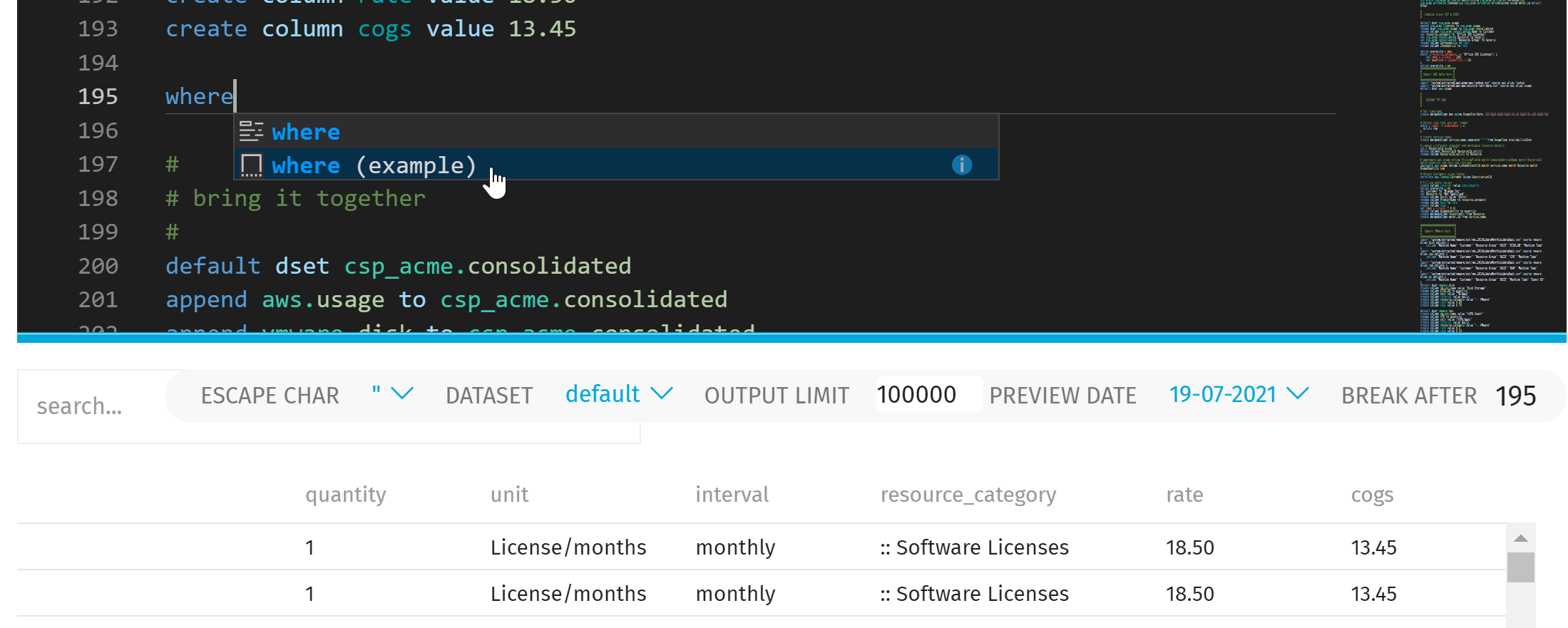
This is done using the Transcript component, which executes user-definable scripts (termed tasks) in order to produce a meaningful set of data suitable for reporting against. Often this data will feed a consolidated bill of IT based on the various different consumed services. Transcript also allows you to define and populate services and rates, either of which may be passed through from cloud data, defined as custom offerings, or a mixture of the two.
Report
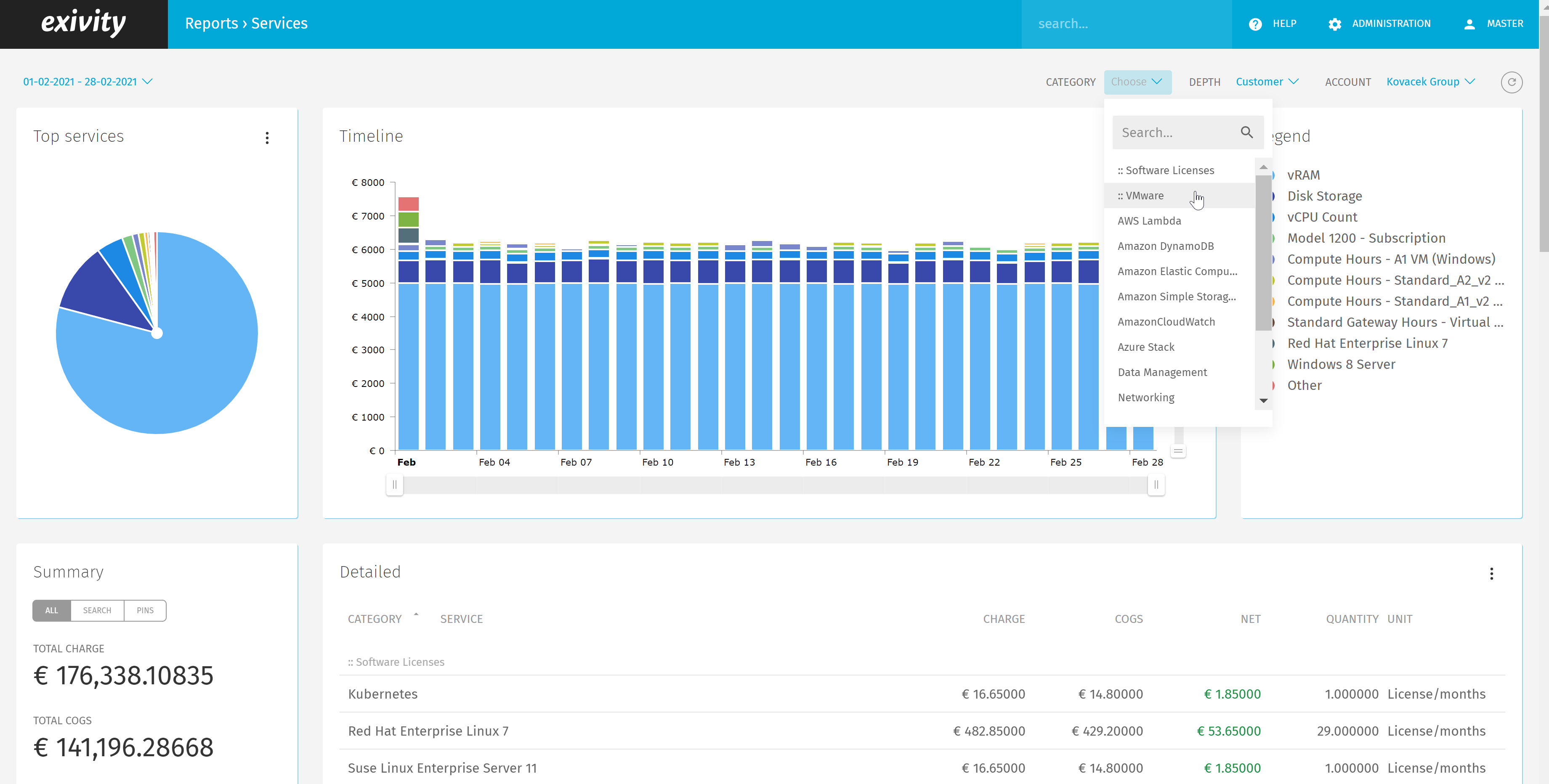
Exivity Core provides a modern responsive User Interface, that allows you to 'slice and dice' the processed data in any way you choose. Multiple Report Definitions can be created with ease which allows you to graphically and textually display both cost and usage statistics.
Integrate
We think that Exivity Core should be part of your automation landscape, where it can provide (for example) line items that can be digested by your ERP and/or invoicing system. Therefore we consider Integrate as the logical final step for any deployment where it is useful.
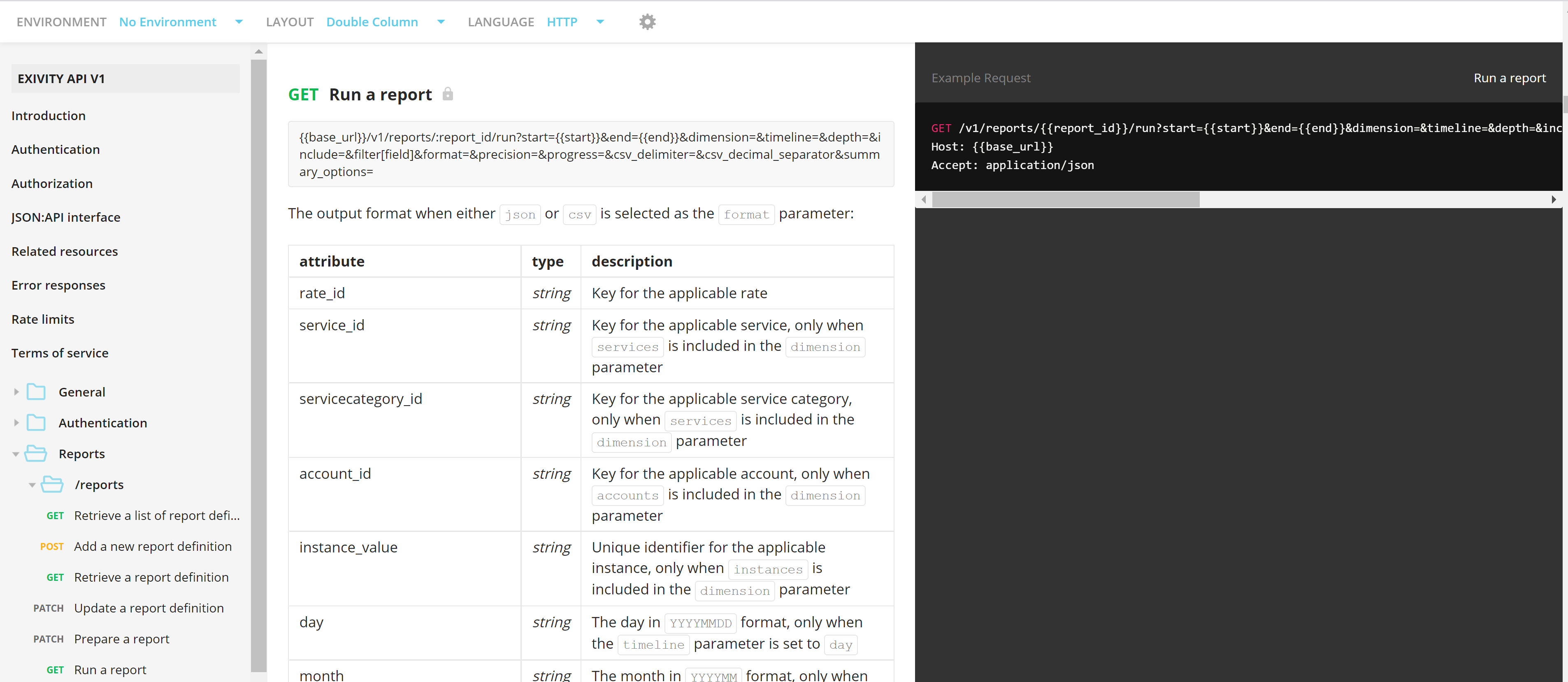
To this end, we offer an open and fully-featured REST API. Our GUI uses our own API for all back-end processes meaning that all textual data shown in the Exivity Core GUI is also obtainable via our API. Detailed information about the REST API can be found at https://api.exivity.com